A two-year-old ASUS ROG Strix or MSI GF65 with an RTX 3060 GPU outperforms most new mid-range laptops at its refurbished price point. Gaming laptops age well: high-refresh IPS panels remain vibrant, thermal solutions sustain performance across GPU driver generations and discrete GPUs retain capability across multiple game titles and resolution targets.
Every gaming unit we supply is subjected to sustained GPU load testing, not just a spec check. We verify thermal performance under extended load, display refresh rate consistency and battery capacity for portable deployments.
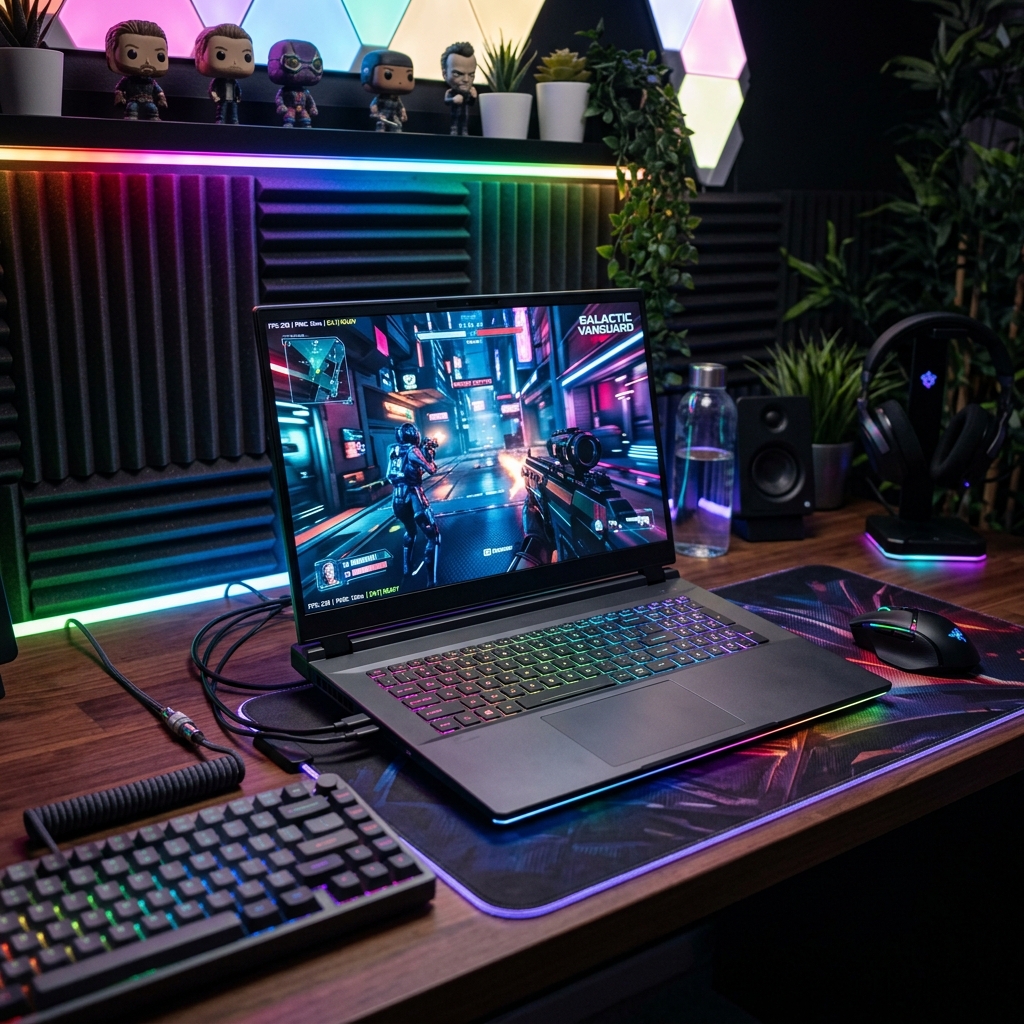
Standard refurbished laptop testing includes checking CPU and RAM, but gaming devices demand more. We run sustained GPU load tests to verify:
Every gaming unit we supply has passed these verification steps. This is not marketing; it is engineering validation.
ROG Strix G15/G17 models are particularly popular for sustained performance during extended gaming sessions. TUF Gaming series offers excellent value-for-cost. Both lines are highly upgradeable; RAM and NVMe storage can typically be expanded post-purchase.
Acer Nitro 5 is one of the most popular gaming laptops in the refurbished market: reliable, widely available, highly upgradeable and consistently good thermal performance. Predator Helios targets premium builds with desktop-level cooling and QHD displays.
MSI GF and GP series deliver strong performance per ringgit. MSI's thermal design sustains GPU boost clocks well during extended sessions, important for both gaming and GPU-accelerated professional workloads.
Legion 5 and Legion 5 Pro are renowned for balanced performance, competitive thermal design and market-leading keyboards for extended use. The Pro variant features QHD 165Hz displays that distinguish it for visual fidelity. Popular with development studios and creative teams alongside gaming organizations.
Yes, if the GPU generation matches the game's requirements. A refurbished laptop with an RTX 3060/4060-class GPU or newer, runs most current AAA games at 1080p on medium-high settings at 60+ fps. For newer and more demanding games at higher settings or resolutions, you'll need RTX 4070/4080-class hardware. Check the specific GPU tier against the game's recommended specs rather than assuming "refurbished = outdated". Many refurbished gaming laptops are only 1-2 generations old and still handle current releases well.
ROG (Strix/Zephyrus) costs more than TUF but delivers noticeably better sustained performance. The same GPU chip often runs 25-30W higher in a ROG chassis due to its vapor chamber cooling and larger fans.
MSI competes closely with TUF/ROG using its own Cooler Boost tech (multiple copper heat pipes, large fans), and its performance is comparable to TUF at similar price points, so between MSI and TUF, the better pick usually comes down to specific model/config rather than brand.
RTX 3060 (mobile) is a solid entry point for 1080p gaming at medium-high settings on most current titles, and is commonly found in the refurbished market at lower prices. RTX 4060 is the better mid-level pick if budget allows. It comes with improved ray tracing performance, DLSS 3/Frame Generation support, and better efficiency, giving more headroom for newer titles over the next few years.
At Easy Connect Solutions, we run:
A legitimate refurbisher will have this data readily available, not just "it powers on fine."
240Hz can provide an edge in high-level competitive gaming, particularly in fast-paced shooters, but the improvement over 144Hz is relatively small. To take full advantage of a 240Hz monitor, your computer needs to consistently produce high frame rates close to 240 FPS.
Hence, for most students/casual competitive players, 144Hz is the better value pick. 240Hz makes more sense for players who have hardware capable of producing very high FPS.
Yes, most gaming laptops (ROG, TUF, MSI) have user-accessible RAM slots, making RAM and storage upgrades straightforward and a common way to extend a refurbished unit's usable life cheaply. However, GPU and CPU are not upgradeable in laptops; they're soldered to the motherboard, so choose your GPU/CPU tier carefully at purchase since that part can't be improved later. Always confirm the specific model's upgrade path (spare RAM slot, spare M.2 slot) before buying if extending its life via upgrades is part of your plan.
Desktop wins on raw price-to-performance: for the same budget, a refurbished gaming desktop delivers a noticeably more powerful GPU/CPU combo than an equivalent-priced laptop, better cooling (no thermal constraints from a thin chassis), and full upgradeability (GPU, CPU, RAM, storage all swappable).
Laptop wins on portability: if you need to bring it to class, a friend's place, or move dorms, a laptop is worth the premium.
Ask the seller directly whether the unit's GPU history is known, and request a stress-test/benchmark result compared against the GPU's expected baseline performance. Note the nuance: studies (e.g., from Palit) suggest mining GPUs lose roughly 10% performance per year of mining use, but experienced miners often underclock/undervolt their cards (lower heat/stress than gaming overclocking), so mining use alone doesn't guarantee damage. The bigger risk is a poorly cooled, home-mining setup rather than mining itself.
Practical checks: verify the fans spin smoothly and quietly, confirm temperatures stay reasonable under load (compare to typical benchmarks for that GPU model), and buy from a refurbisher offering a warranty. That warranty is your real protection against undisclosed degradation, regardless of prior use history.
Yes, a gaming laptop with 16GB+ RAM, an RTX 3060/4060-class GPU, and a fast SSD comfortably handles both: coursework, Office apps, and Zoom during the day, then gaming at night, since gaming-tier specs exceed what any coursework realistically needs.
But gaming laptops are heavier (often 2-2.5kg+) than dedicated student ultrabooks, have shorter battery life (high-performance GPUs drain faster), and run hotter/louder under load. Hence, they are less ideal for carrying to lectures daily.
Tell us how many units you need, your game titles or use case and target GPU tier. We'll provide a bulk quotation.